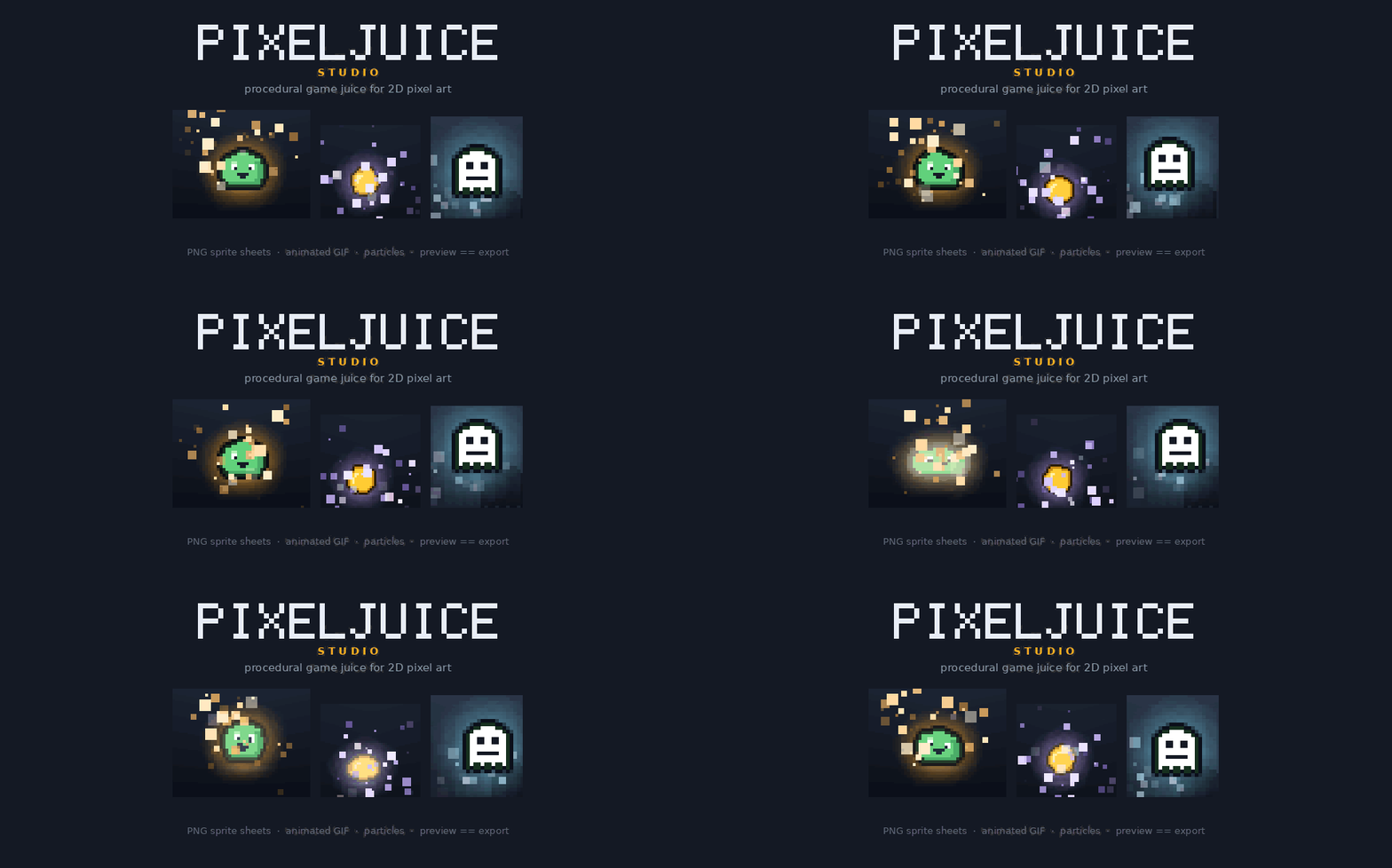
Pixel Juice Studio
A downloadable tool
Make your pixel art feel like it hits something.
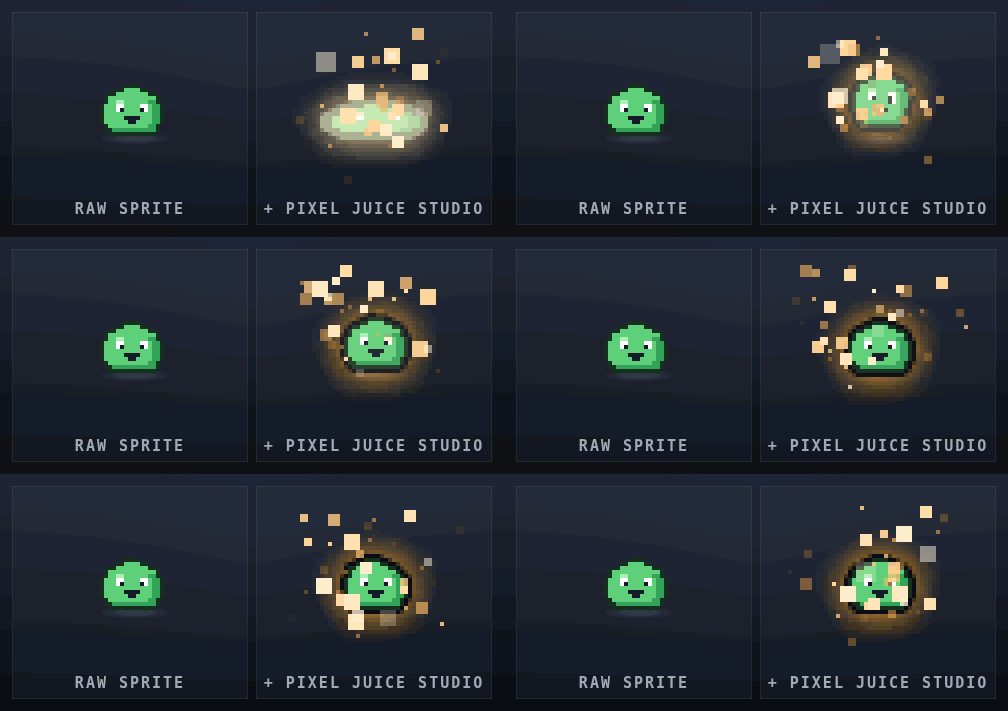
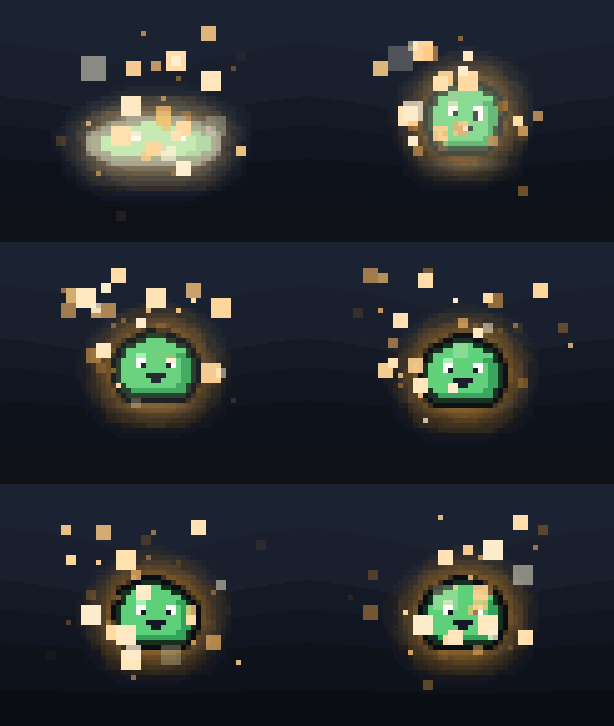
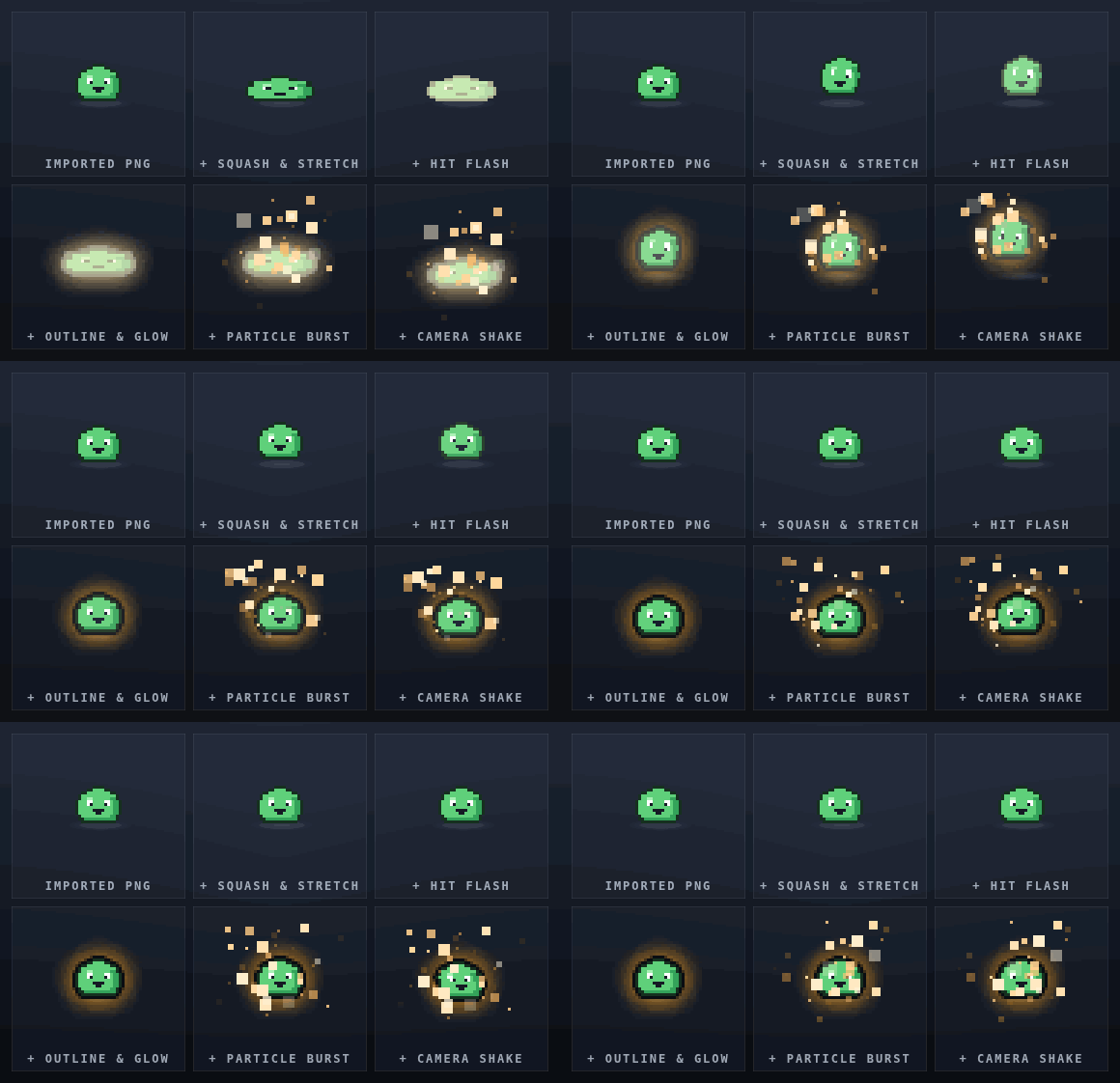
You've drawn the sprite. It looks right. It just doesn't do anything when it lands. Pixel Juice Studio is the other half: import your sprite, dial in squash & stretch, a hit flash, an outline, glow and pixel particles until it feels good, then export a ready-to-use PNG sprite sheet or animated GIF.
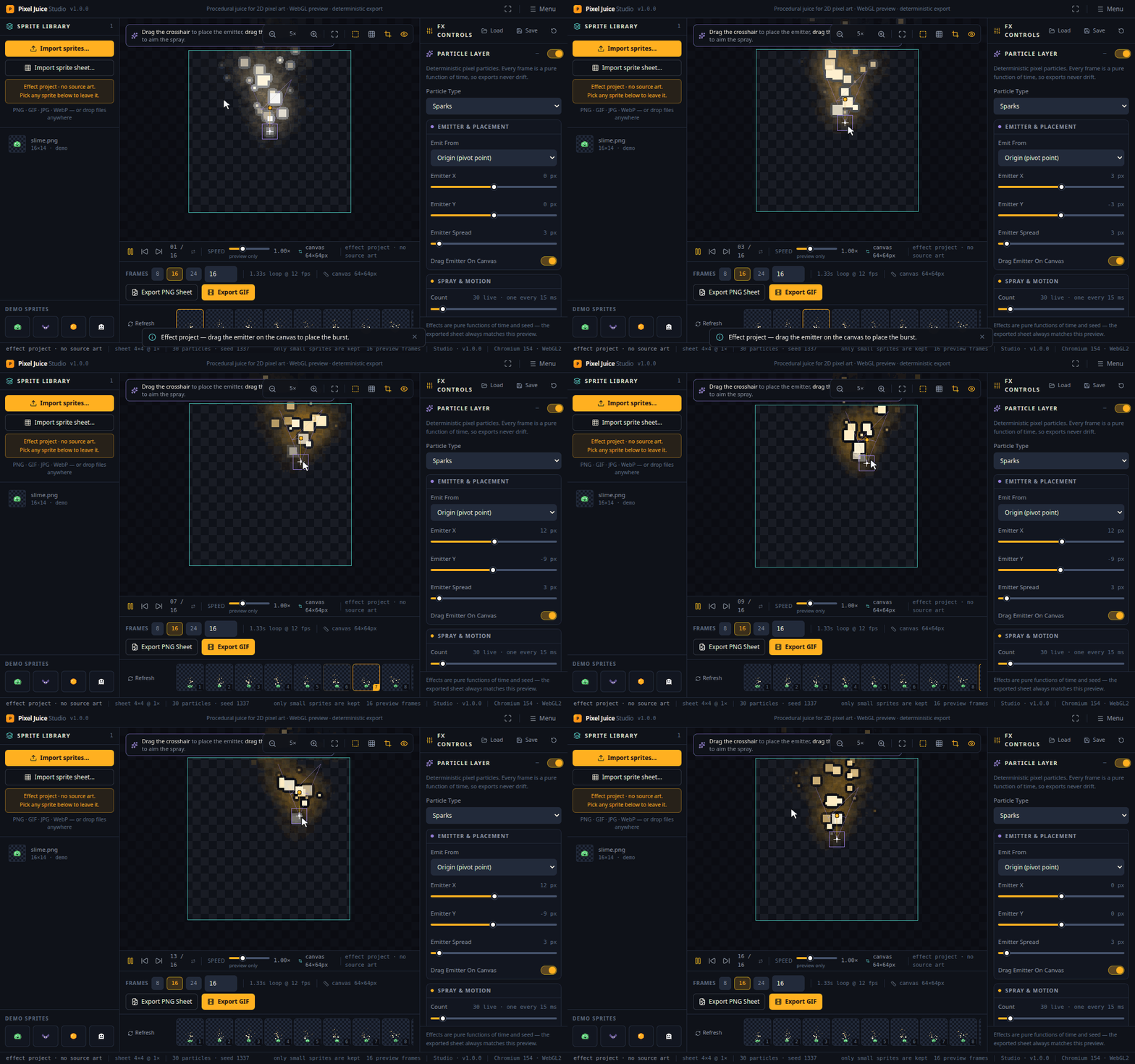
No sprite yet? You can still make the hit. An effect project opens an empty canvas with the particles already running, which is how an impact spark or a dust puff gets made when nobody drew one.
It runs in your browser. Nothing to install. Buy it once, download one file, double-click it, and it opens in Chrome, Edge or Firefox. It works offline, and it's yours to keep.
What it does
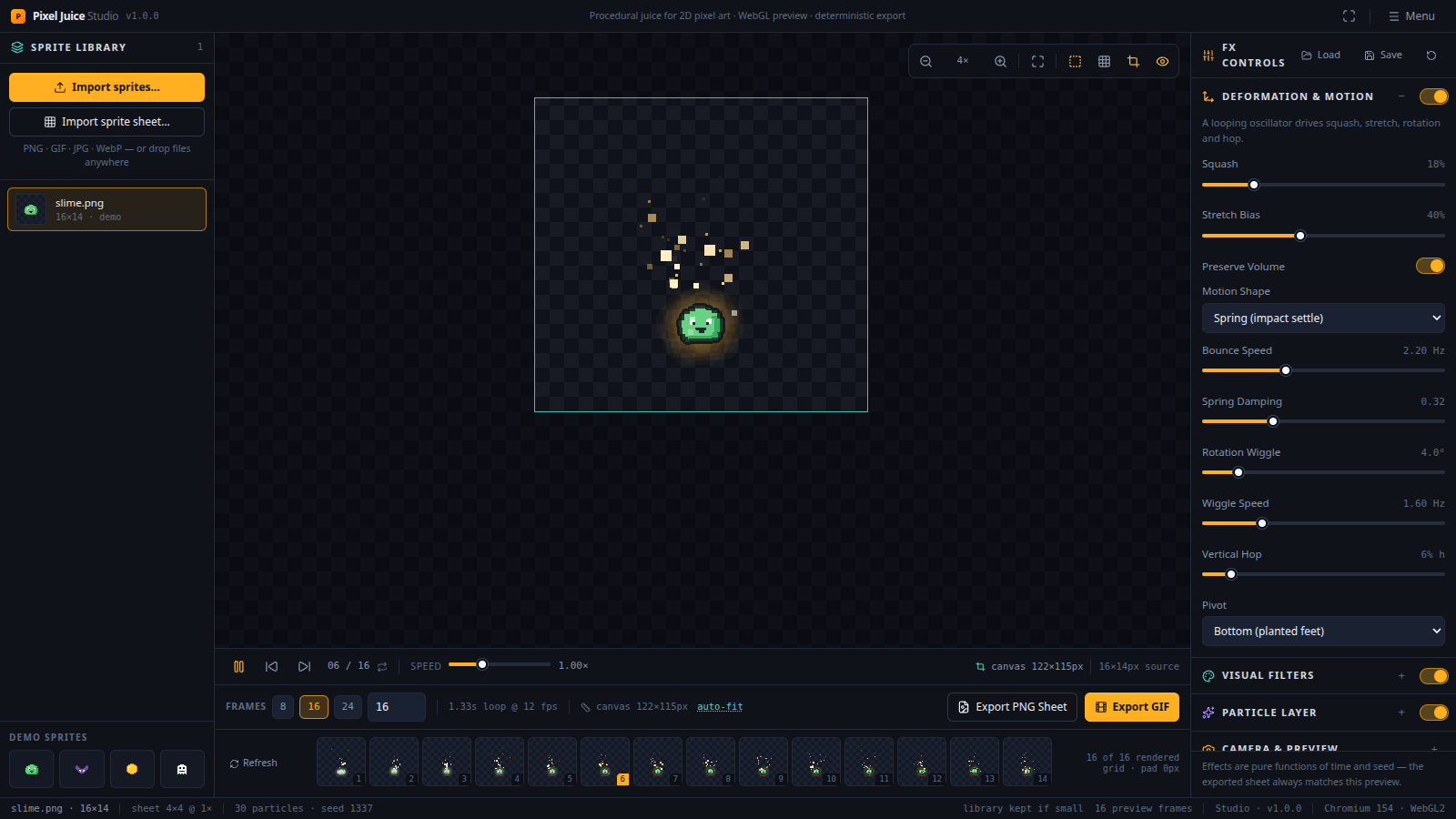
- Motion. Squash & stretch on sine, spring, pulse and bounce curves, with volume preservation, rotation wiggle, a vertical hop, and a pivot you can plant at the feet so they stay on the same line in every frame.
- Filters. Color grading, a clean one-pixel outline, outer glow, a drop shadow, and a hit flash that decays, pulses or holds. They run on your graphics card, so the preview keeps up. Twelve ready-made looks, from Plain (every pass off, so an imported sprite is the sprite you imported) to Game Juice and Noir.
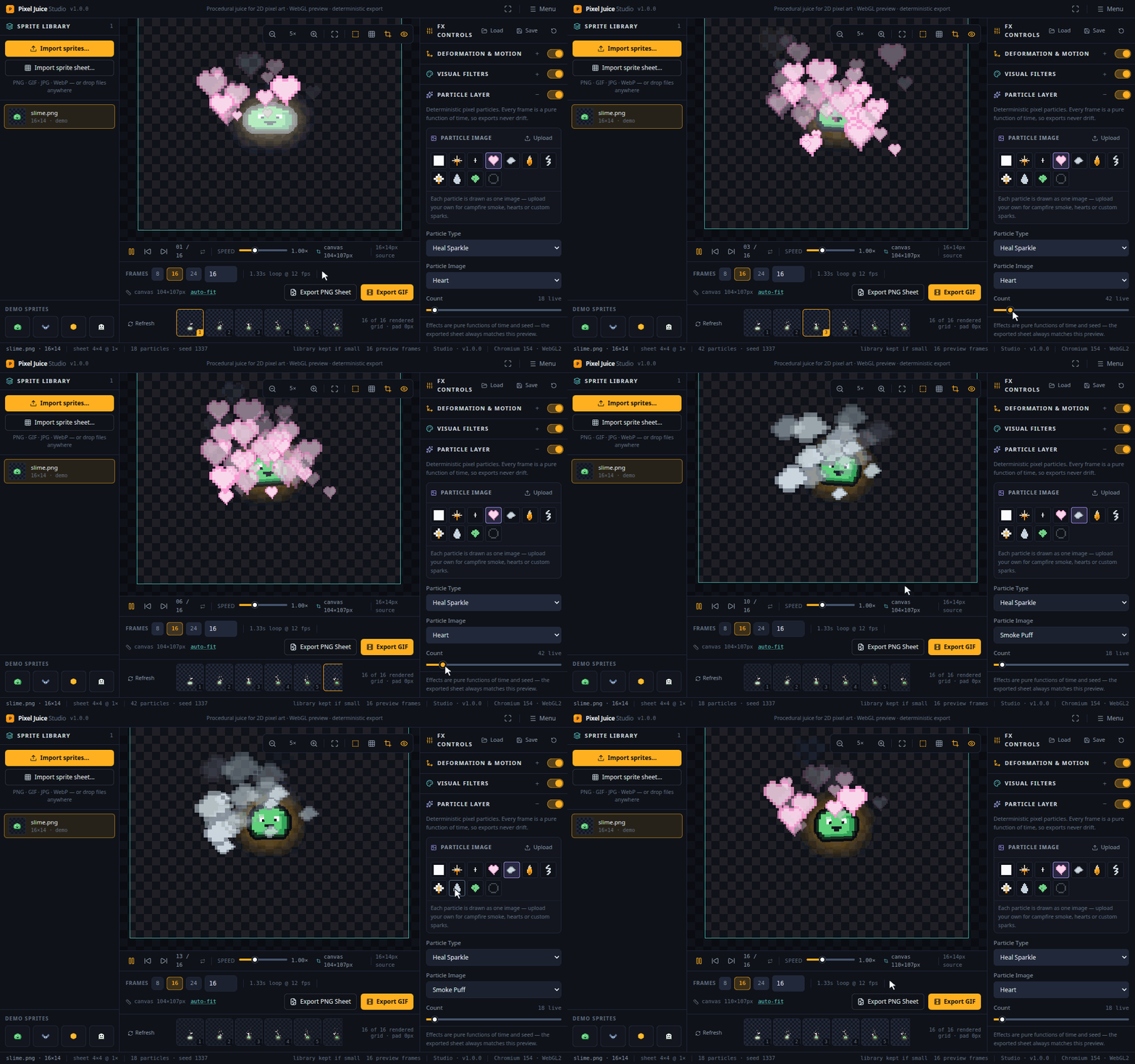
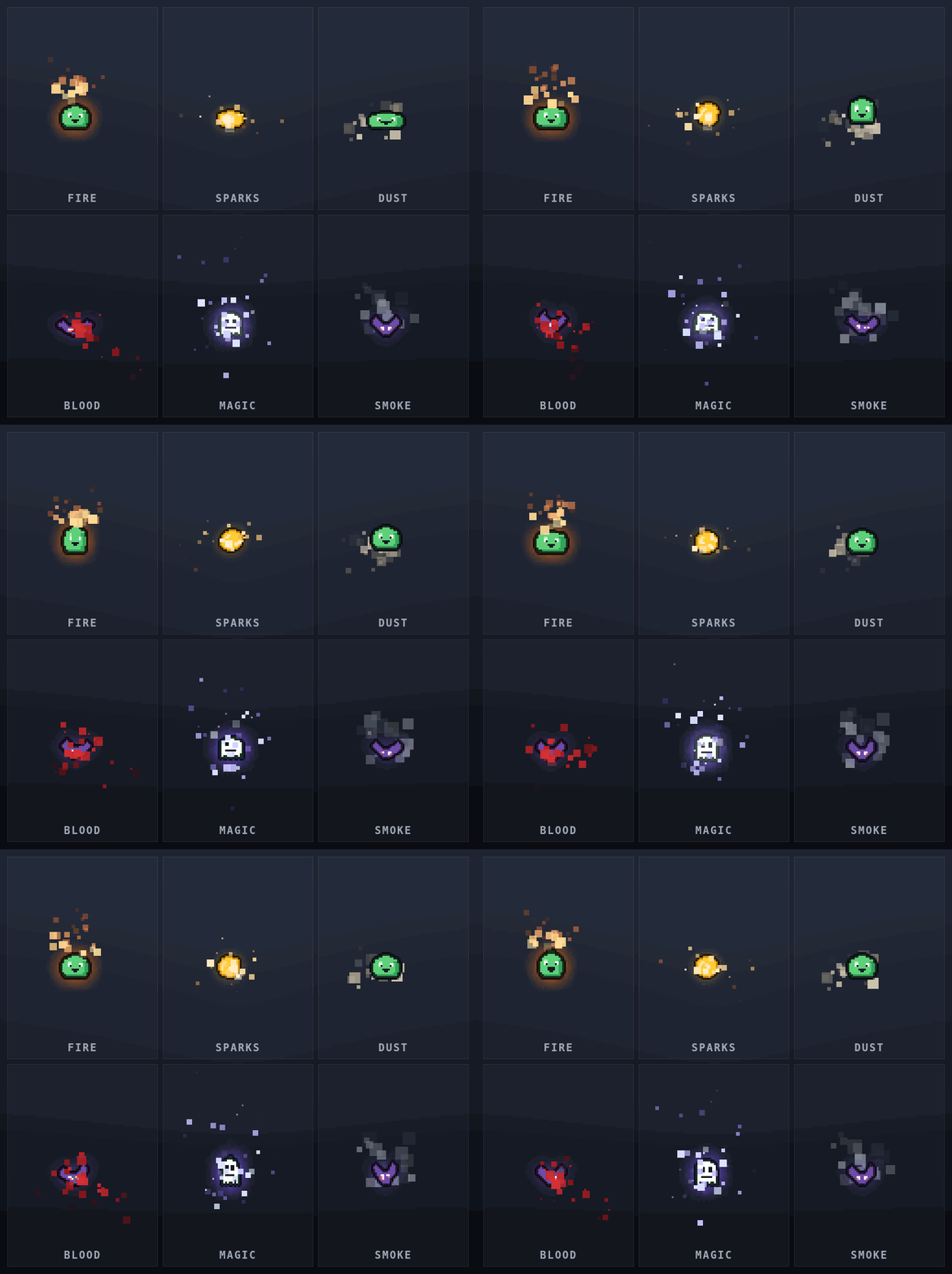
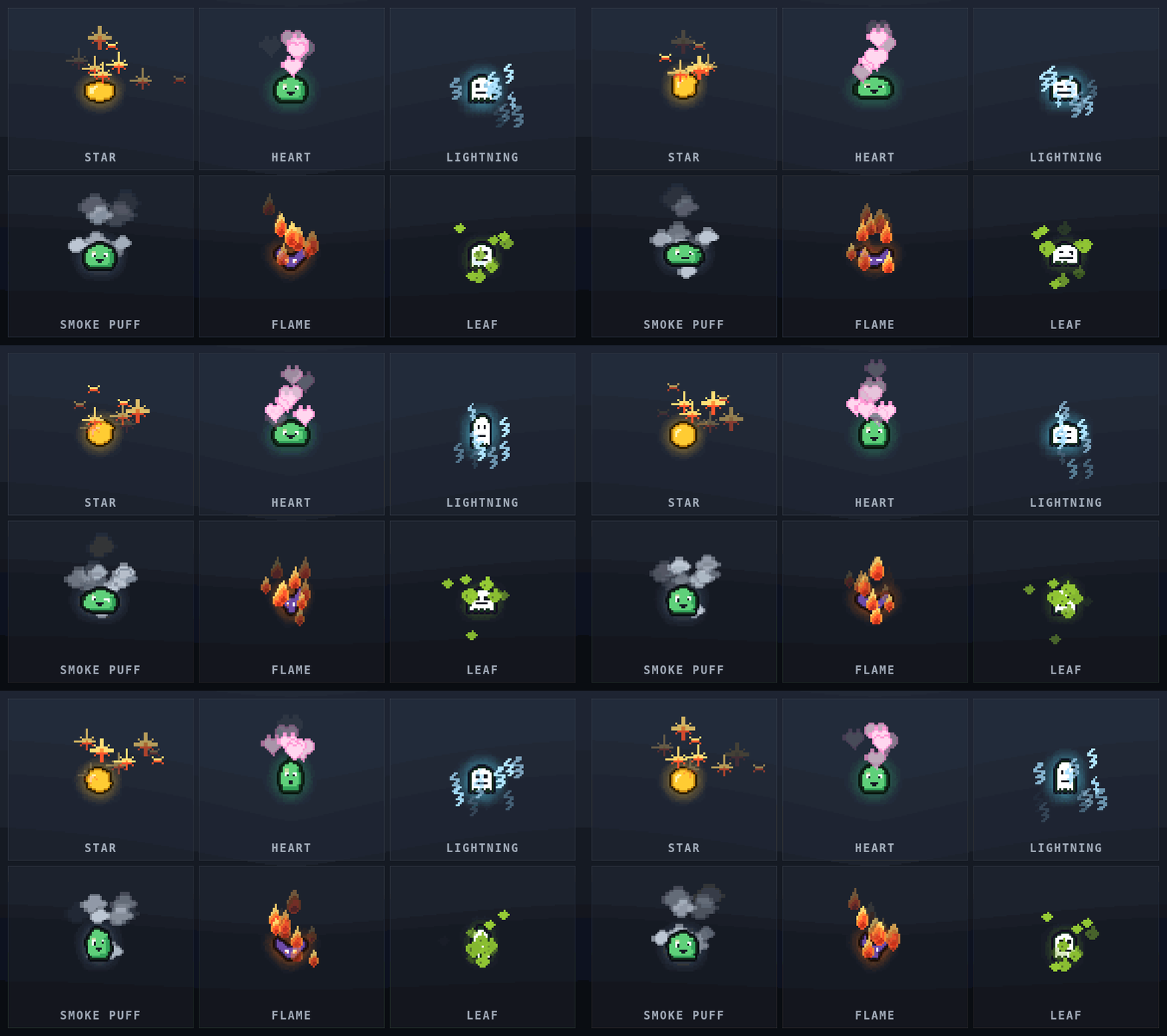
- Particles. Eighteen kinds: fire, sparks, electric, fireflies, dust, ash, leaves, blood, blood splatter, magic, heal sparkle, bubbles, smoke, snow, rain, confetti, coin shine and thruster. Drag the emitter anywhere on the canvas - off the sprite, above its head, under its feet - and aim the spray with the same handle. Tune the count, gravity, air drag, spread, lifetime, size decay, birth and death colors, emitter shape, pixel snapping and seed, and get the same field every time from the same seed.
- Camera shake. Screen rumble with decay. Bake it into the export, or leave it out and keep your frames lined up.
- A timeline you can trust. Click any frame to jump to it, or step through them one at a time. 2 to 120 frames, 8 to 60 fps.
- Effect projects. For the animations with no sprite behind them. The canvas is pinned to a size you pick, the particle layer runs with a spark in it, the glow and the hit flash are on, and the emitter handle is up. Drag it where the burst should land, aim the spray, export. Impact sparks, dust puffs and muzzle flashes are the things a game needs that nobody drew, and every frame comes out at exactly the size you asked for, on transparency.
- Your own animation. Already got a sprite sheet? Import it, tell it the grid or let it work one out, and the playhead picks the frames. The loop length and the export layout come from your cut, so the order and the timing survive the round trip.
- You can see the crop. The export rectangle is drawn on screen while you work. It starts wide enough for your effects to reach past the sprite, tells you when a narrower choice would clip them, and can be pinned to an exact size such as 64×64.
- Export. PNG sprite sheets (grid, horizontal strip or vertical strip, at 1×, 2×, 3×, 4×, 6× or 8× with no blurring, plus adjustable padding and a one-click auto-fit) and animated GIFs with a single global palette, 1-bit transparency or a matte, and honest per-frame timing.
- Presets. Every setting saves as plain JSON, so your "hit feel" can live in version control and get passed round the rest of the team.
What you get
- The whole studio as a single file that runs in your browser.
- Works offline. No account, no activation, no internet connection needed.
- Yours to keep. A one-time purchase, not a subscription.
- It remembers your work. Your settings and your sprites are waiting next time you open the file. Very large sprites may need importing again, because a browser only gives a page opened from a file a small store.
- Sprite sheets, GIFs and presets you make are yours to use commercially, royalty-free.
Requirements
Chrome, Edge or Firefox, on Windows, macOS or Linux. The studio needs a graphics card your browser can use, and if hardware acceleration is switched off it'll tell you that plainly, so you're never left staring at a blank screen.
Purchase
In order to download this tool you must purchase it at or above the minimum price of $12 USD. You will get access to the following files:
Development log
- Pixel Juice Studio 1.0.0 is out5 days ago
Leave a comment
Log in with itch.io to leave a comment.